Datlas
Datlas
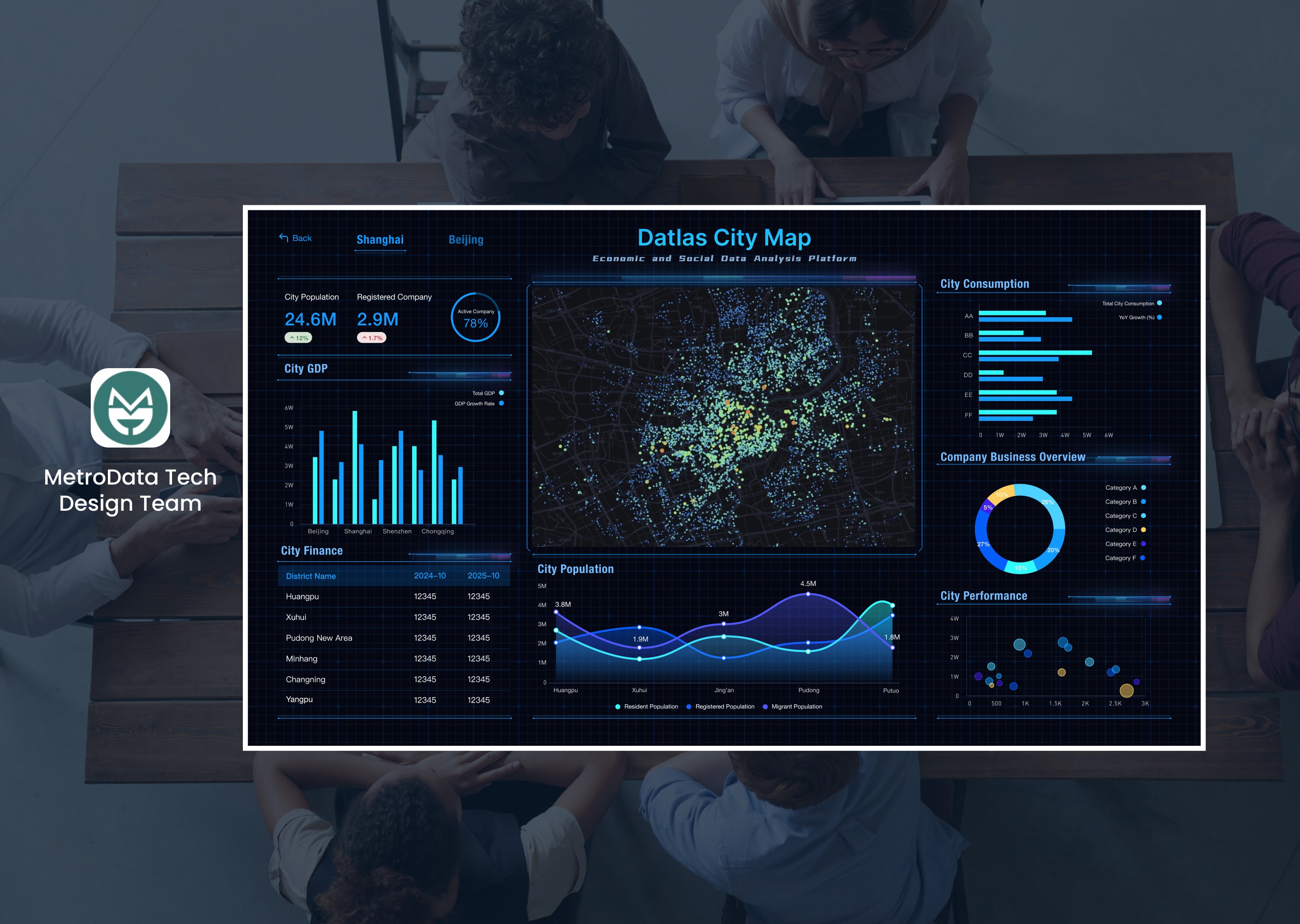
Datlas is an internal platform for MetroData employees that enables fast data analysis, intuitive visualization chart creation, and efficient task management, all within a single dashboard experience.
Product Design
Mobile App
Health & Wellness
Datlas
Datlas is an internal platform for MetroData employees that enables fast data analysis, intuitive visualization chart creation, and efficient task management, all within a single dashboard experience.
User request
User request
User request
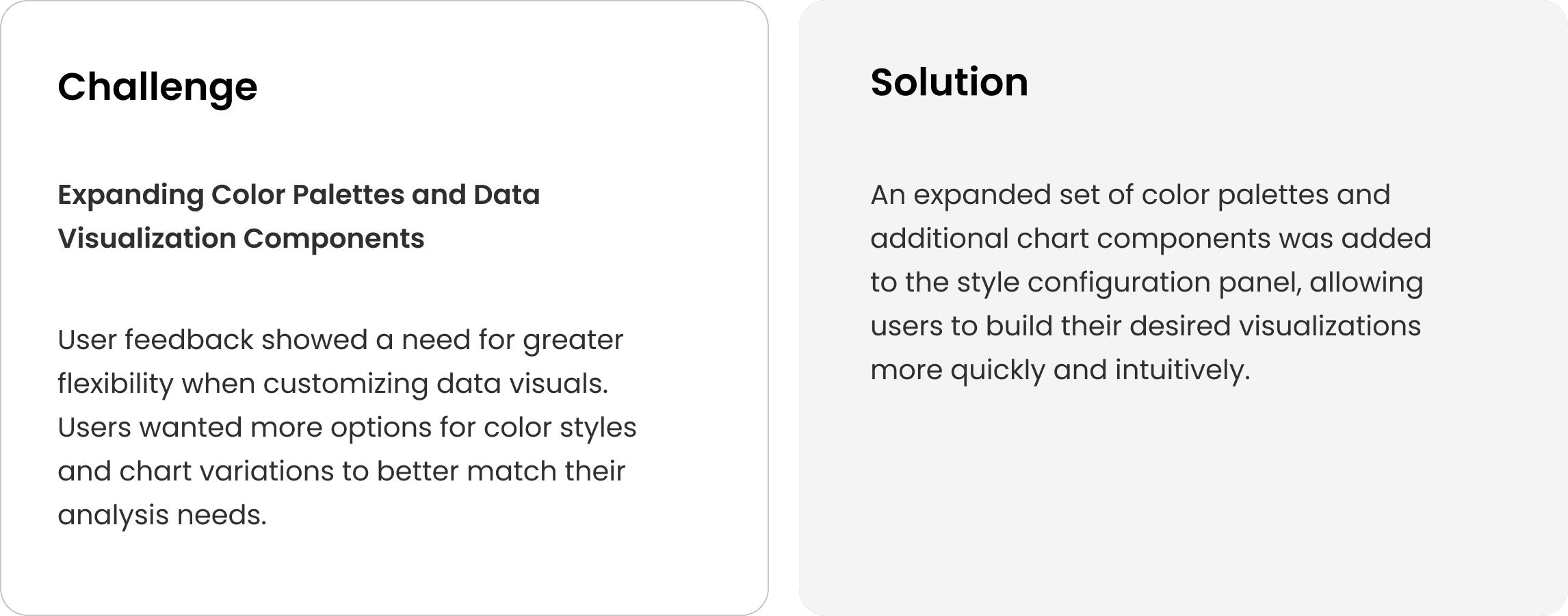
Before
Before
Before
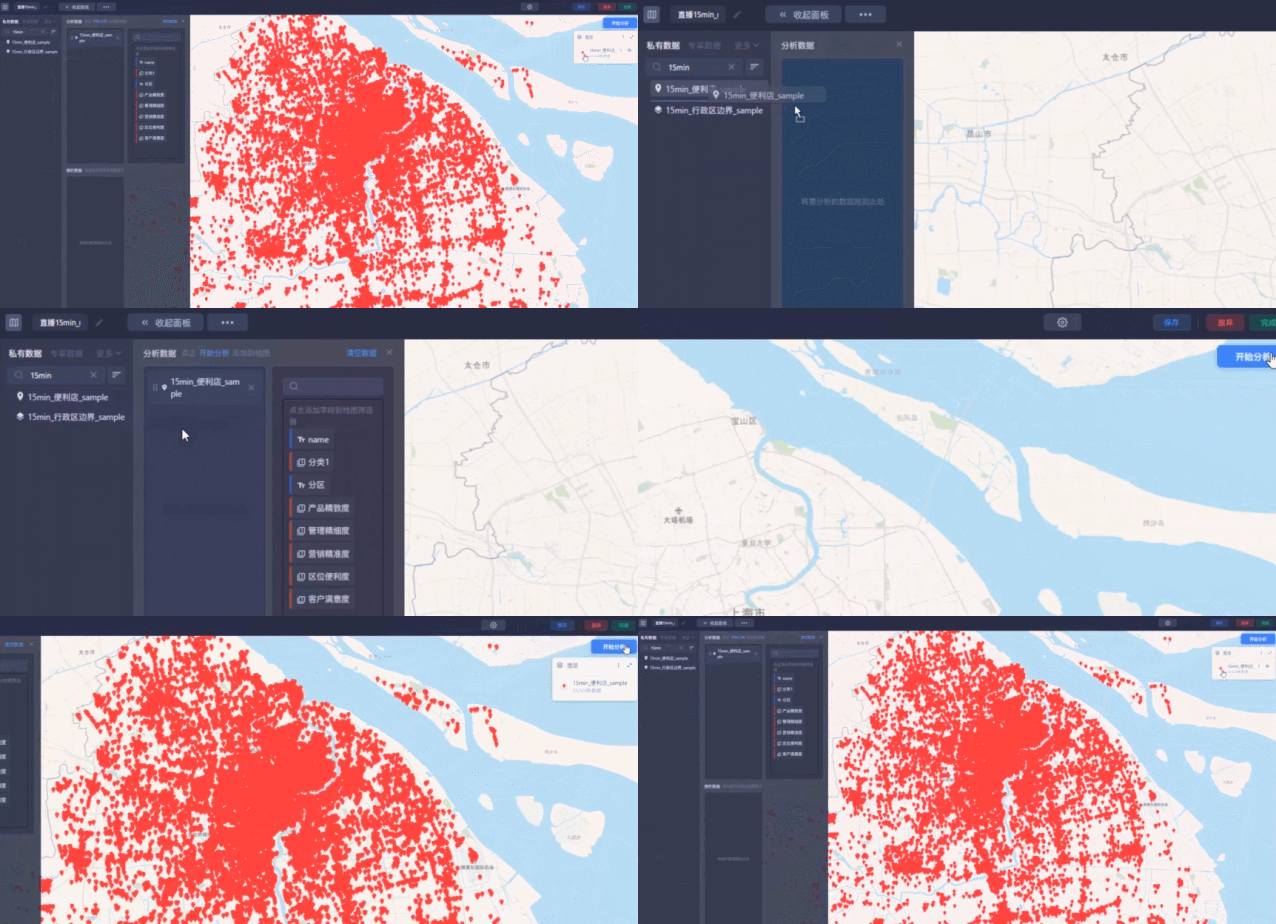
After
After
After
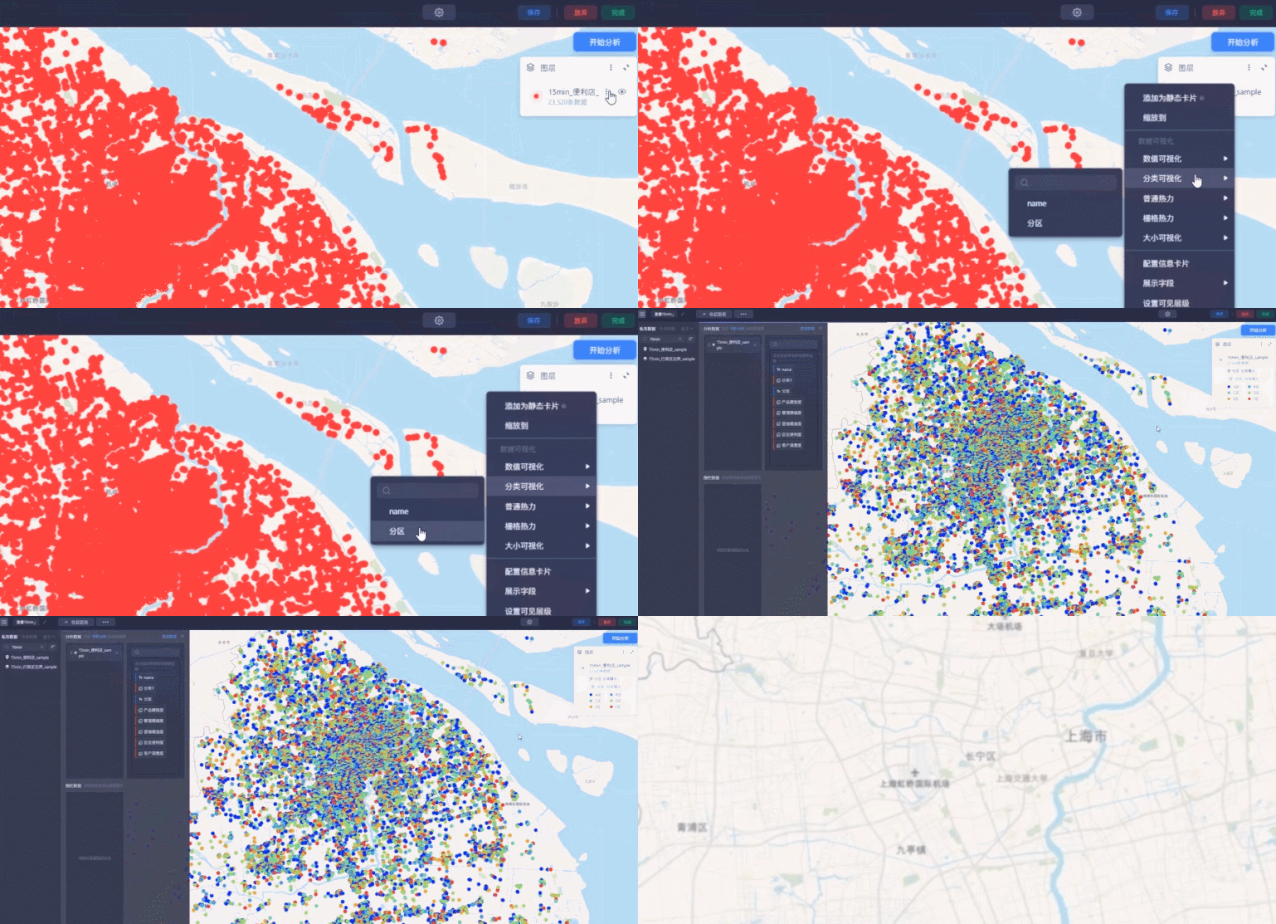
Design refinement
Design refinement
Design refinement
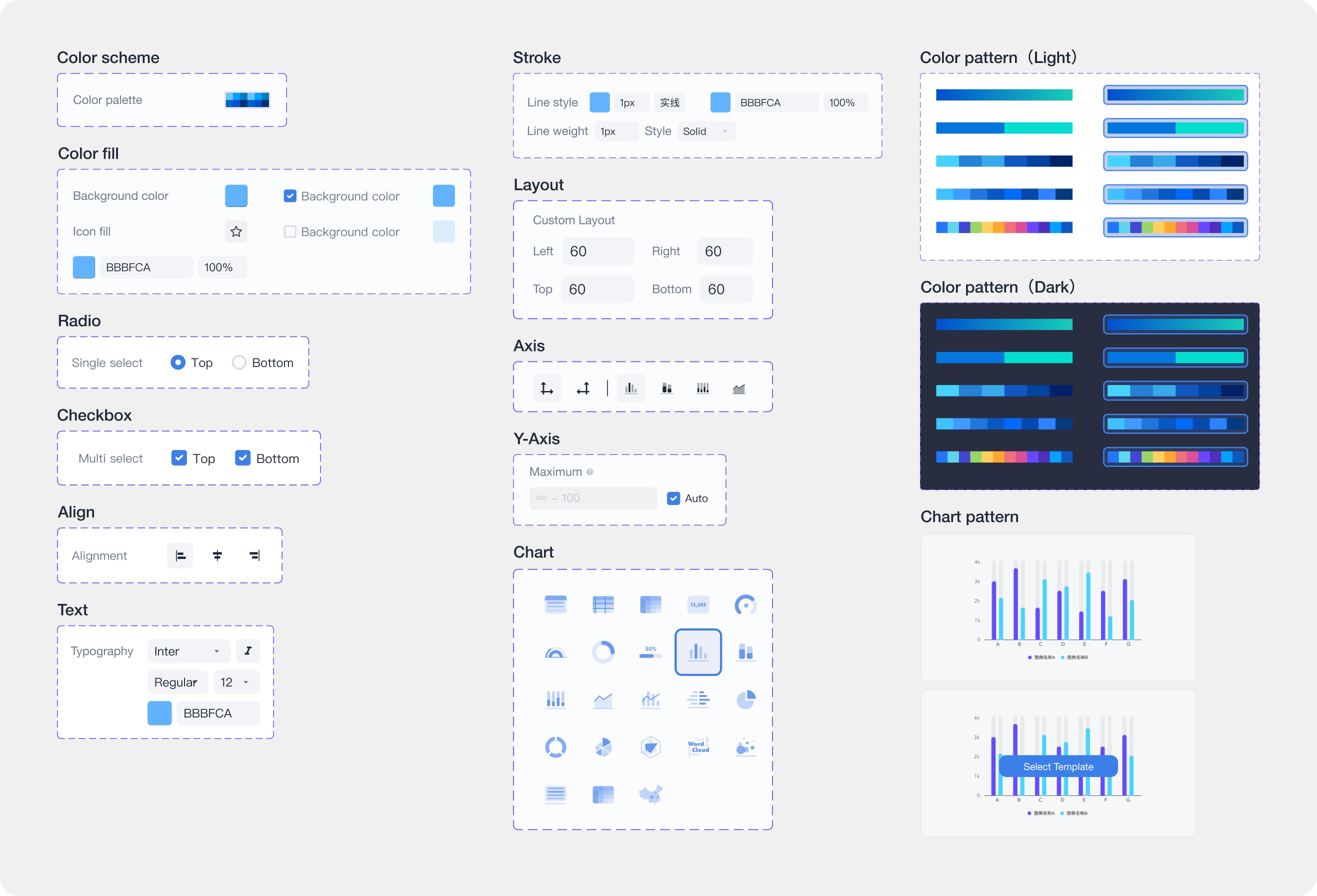
Added sidebar controls that allow users to edit chart colors and styles more easily.
Added sidebar controls that allow users to edit chart colors and styles more easily.
Added sidebar controls that allow users to edit chart colors and styles more easily.
01
01
01
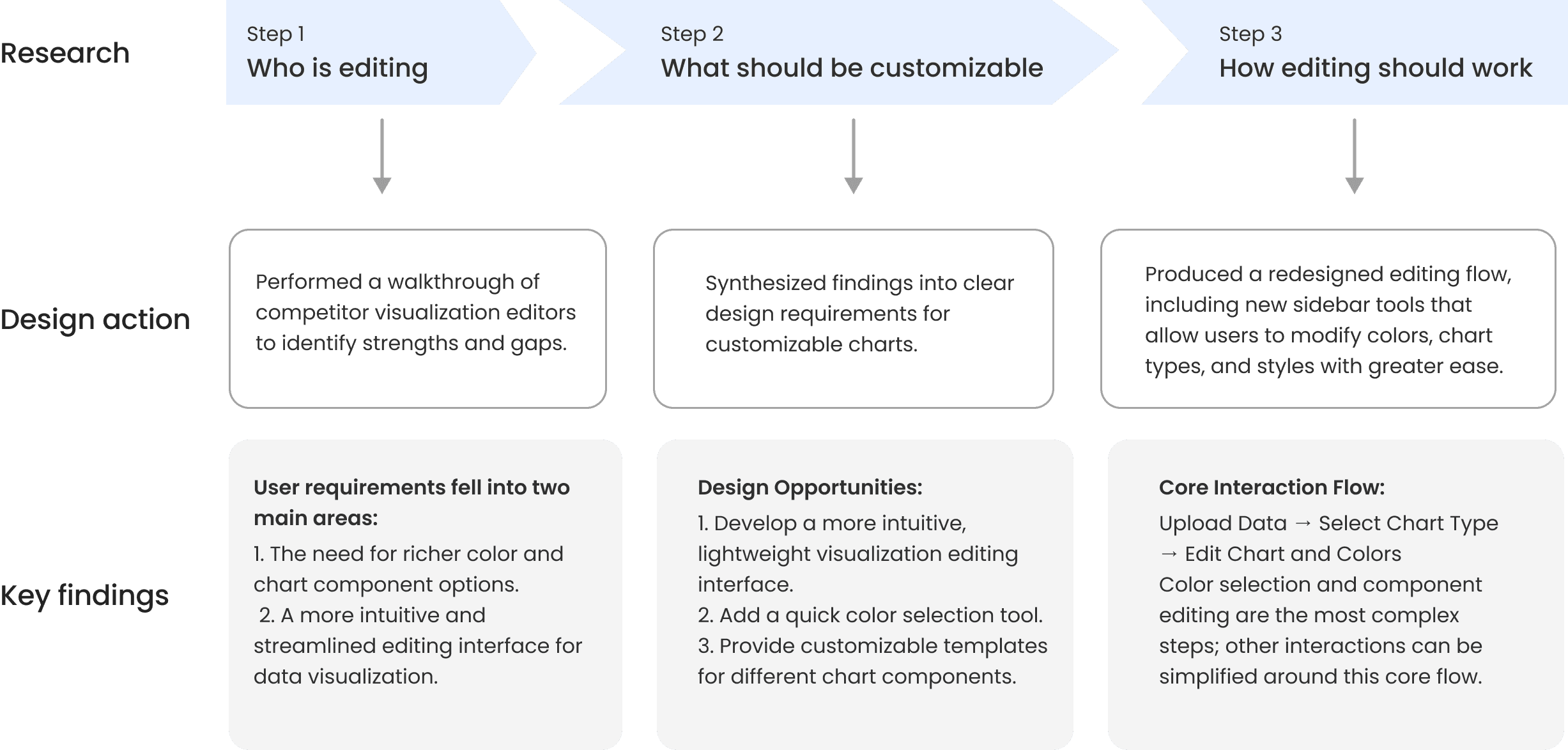
To improve the flexibility and versatility of editing data visualizations, I approached the problem through a structured three-step process.
To improve the flexibility and versatility of editing data visualizations, I approached the problem through a structured three-step process.
To improve the flexibility and versatility of editing data visualizations, I approached the problem through a structured three-step process.
02
02
02
What should be customizable:
To improve the flexibility and versatility of editing data visualizations, I approached the problem through a structured three-step process.
What should be customizable:
To improve the flexibility and versatility of editing data visualizations, I approached the problem through a structured three-step process.
What should be customizable:
To improve the flexibility and versatility of editing data visualizations, I approached the problem through a structured three-step process.
1. Select a chart
1. Select a chart
1. Select a chart
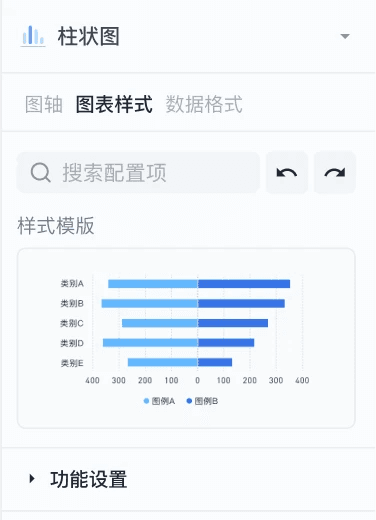
Edit colors, styles, and data attributes with flexible controls
Edit colors, styles, and data attributes with flexible controls
Edit colors, styles, and data attributes with flexible controls
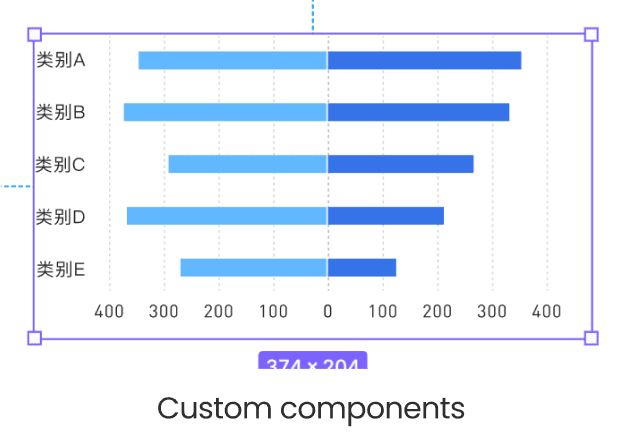
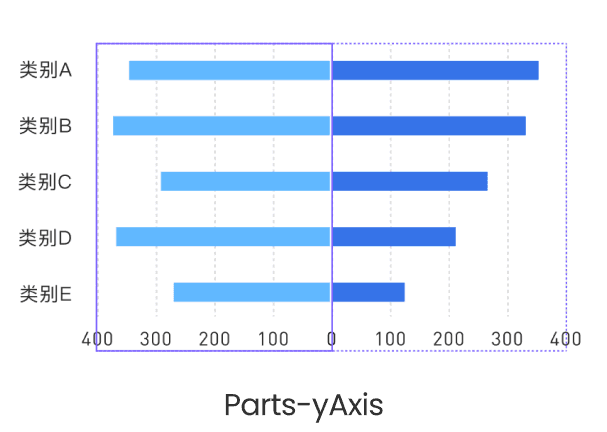
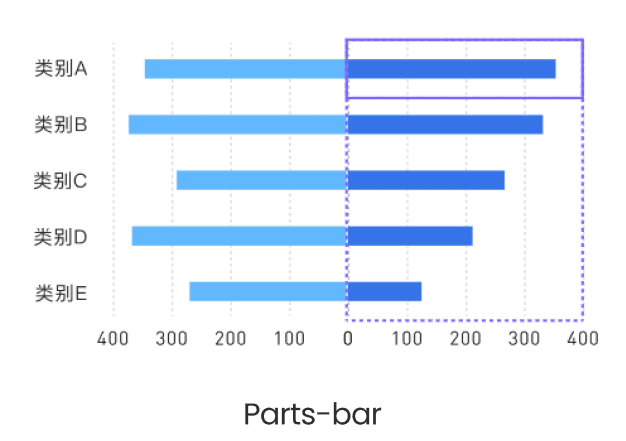
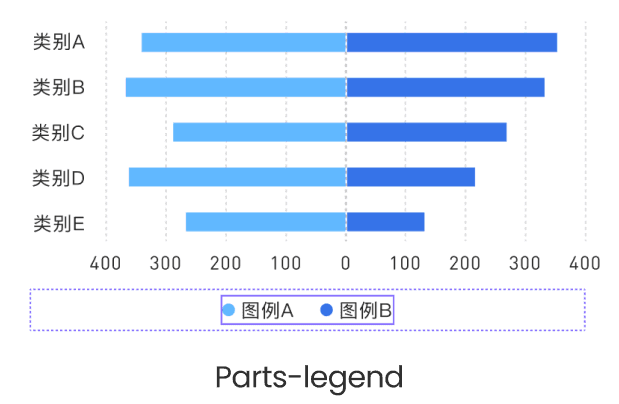
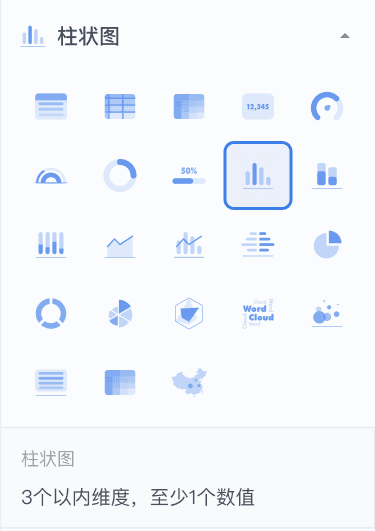
Choose the most suitable chart type for their project needs
Choose the most suitable chart type for their project needs
Choose the most suitable chart type for their project needs
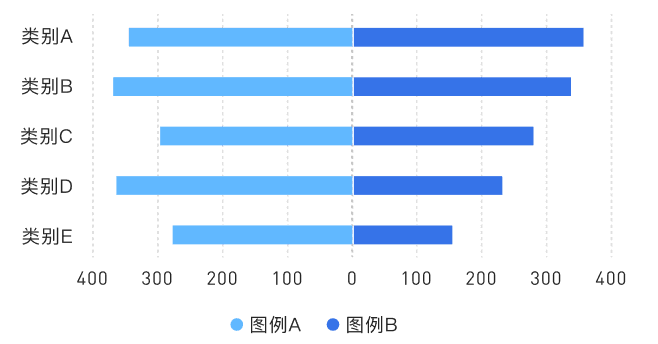
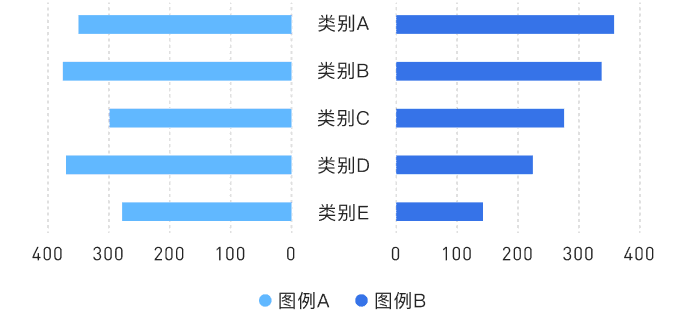
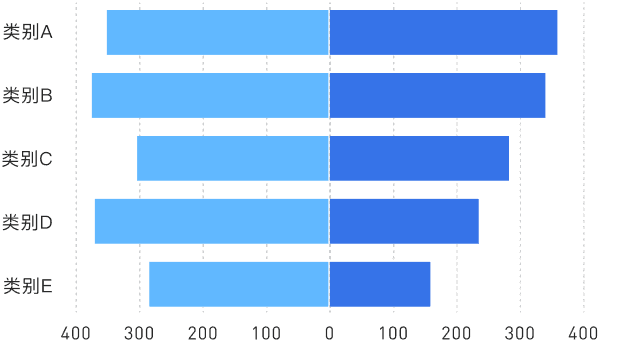
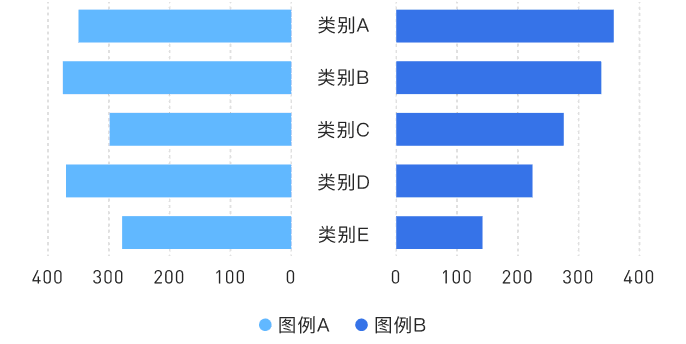
03
03
03
How editing should work:
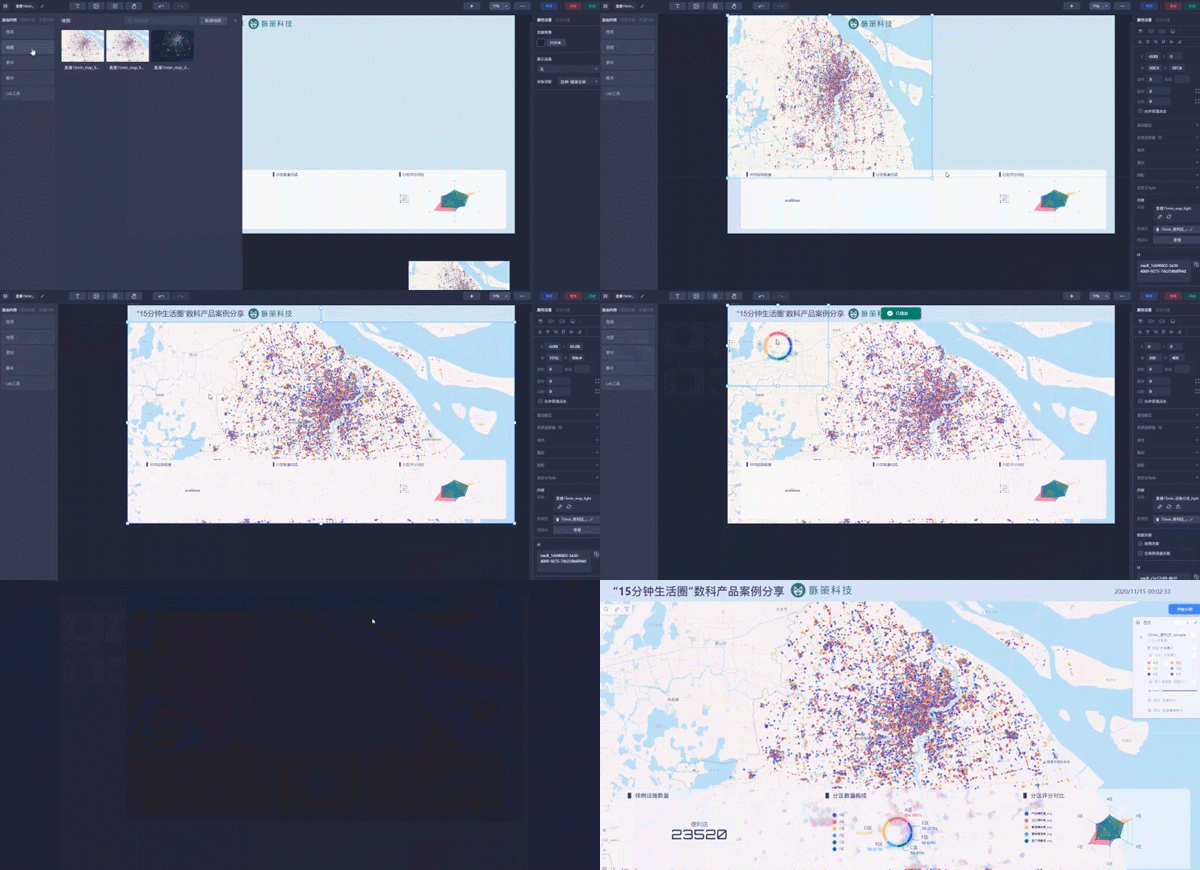
The core interaction flow is 【Upload a data file - Select a chart type - Customize the chart and colors】
How editing should work:
The core interaction flow is 【Upload a data file - Select a chart type - Customize the chart and colors】
How editing should work:
The core interaction flow is 【Upload a data file - Select a chart type - Customize the chart and colors】
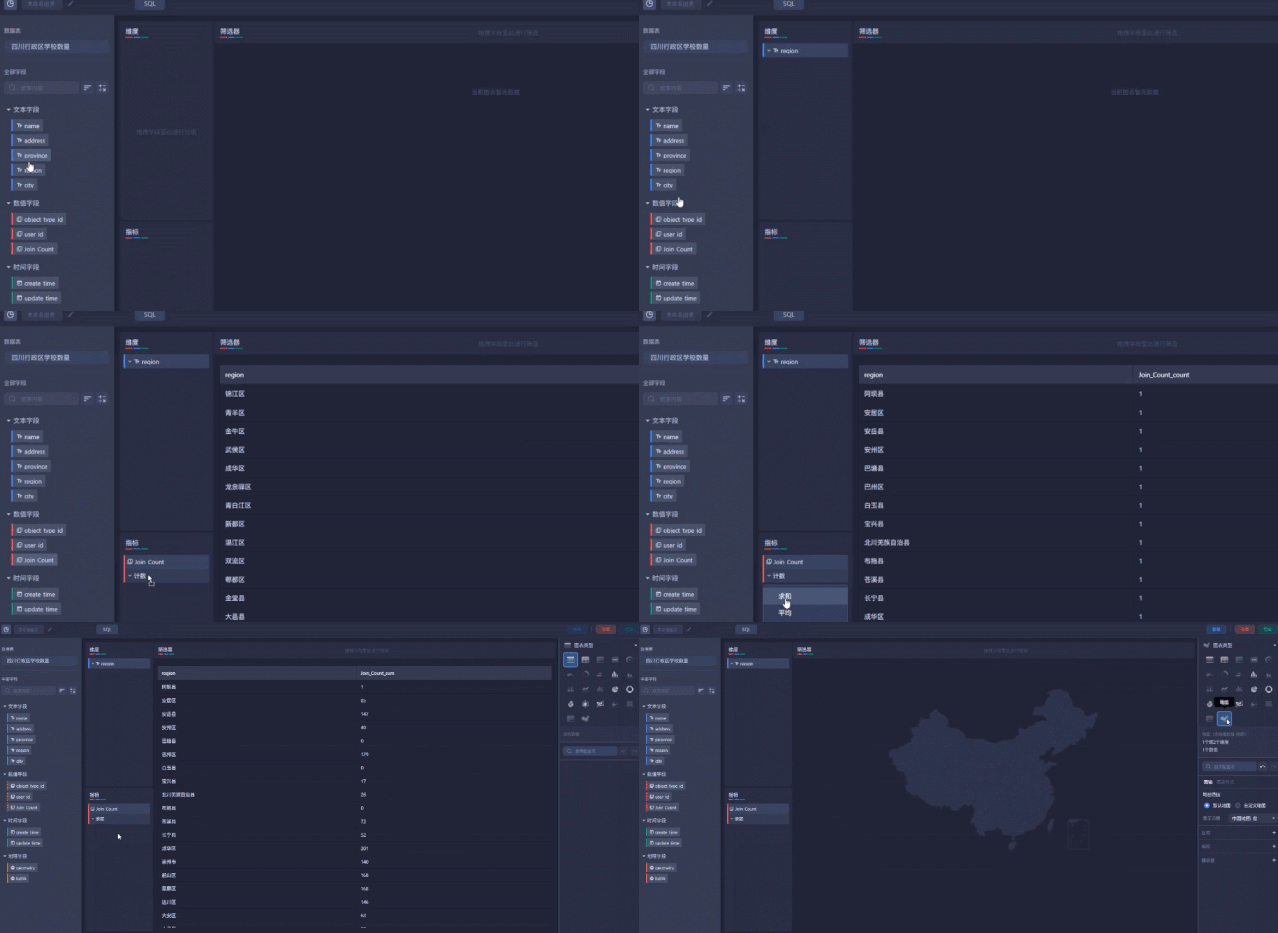
【Upload data form - Select a chart type 】
【Upload data form - Select a chart type 】
【Upload data form - Select a chart type 】

【Customize the chart and color】
【Customize the chart and color】
【Customize the chart and color】
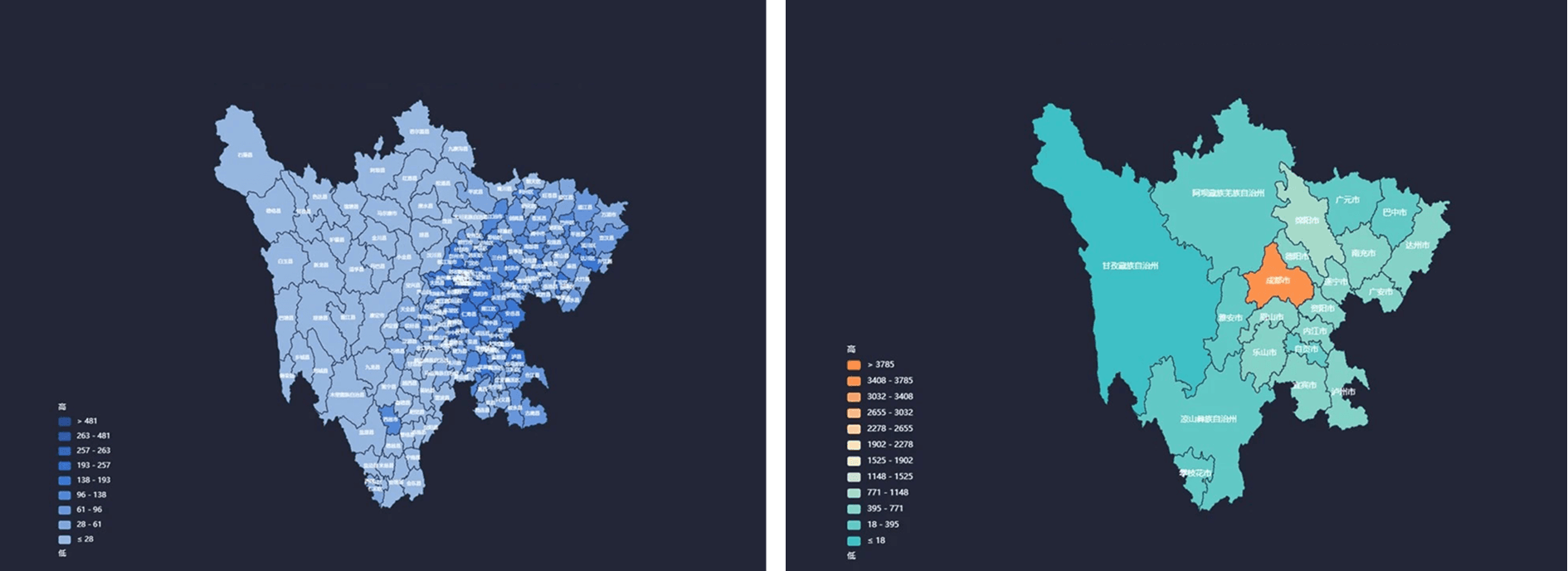
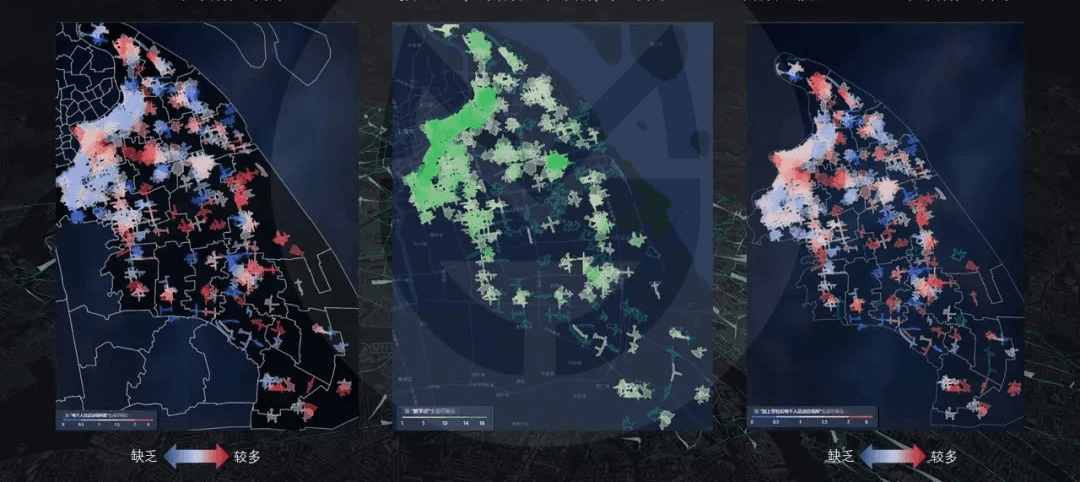
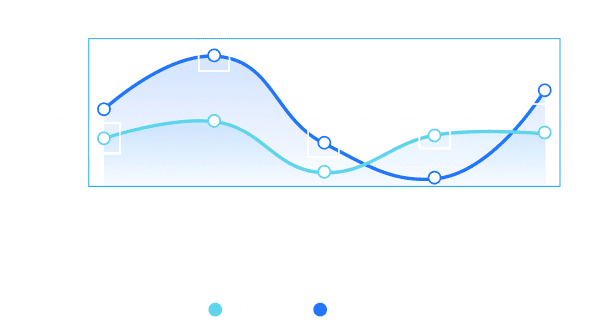
Adapt data visualization to fit specific project needs
Adapt data visualization to fit specific project needs
Adapt data visualization to fit specific project needs
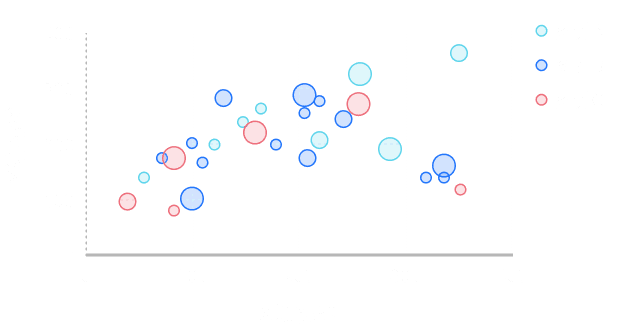
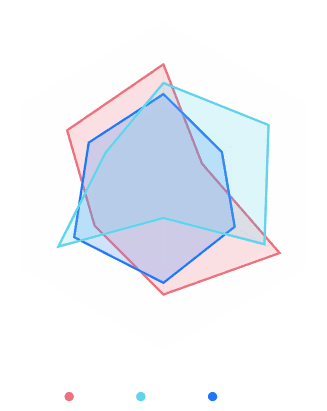
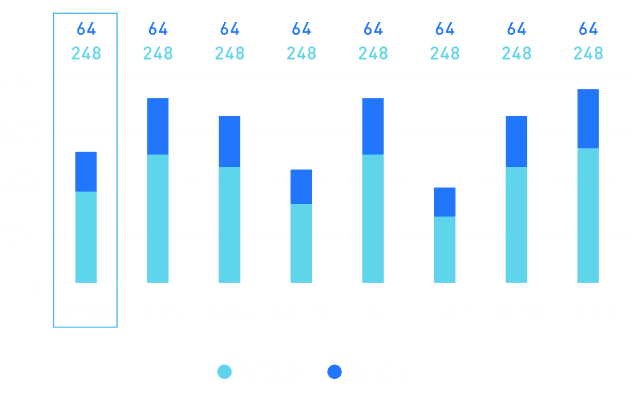
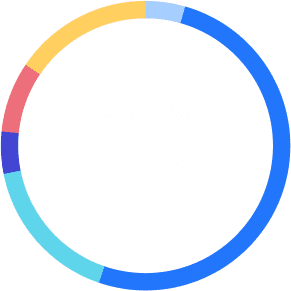
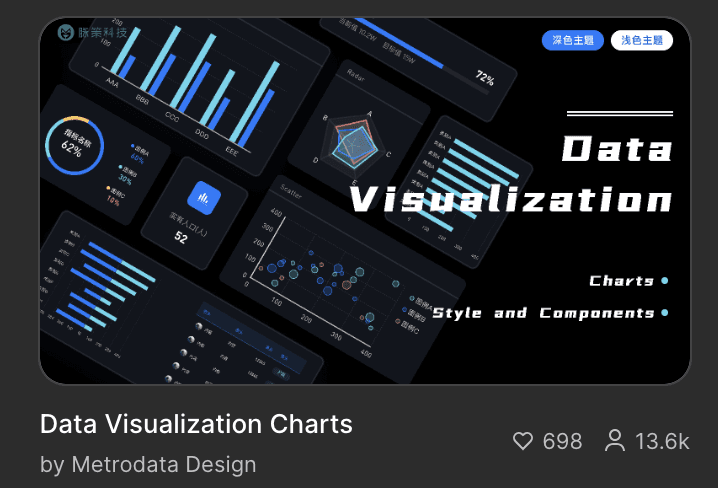
Published on the Figma Community with 20.1k+ views 🎉
Published on the Figma Community with 20.1k+ 🎉
Final upload to Figma community, with 13.6k+ views 🎉
Whats's next?
Whats's next?
Whats's next?
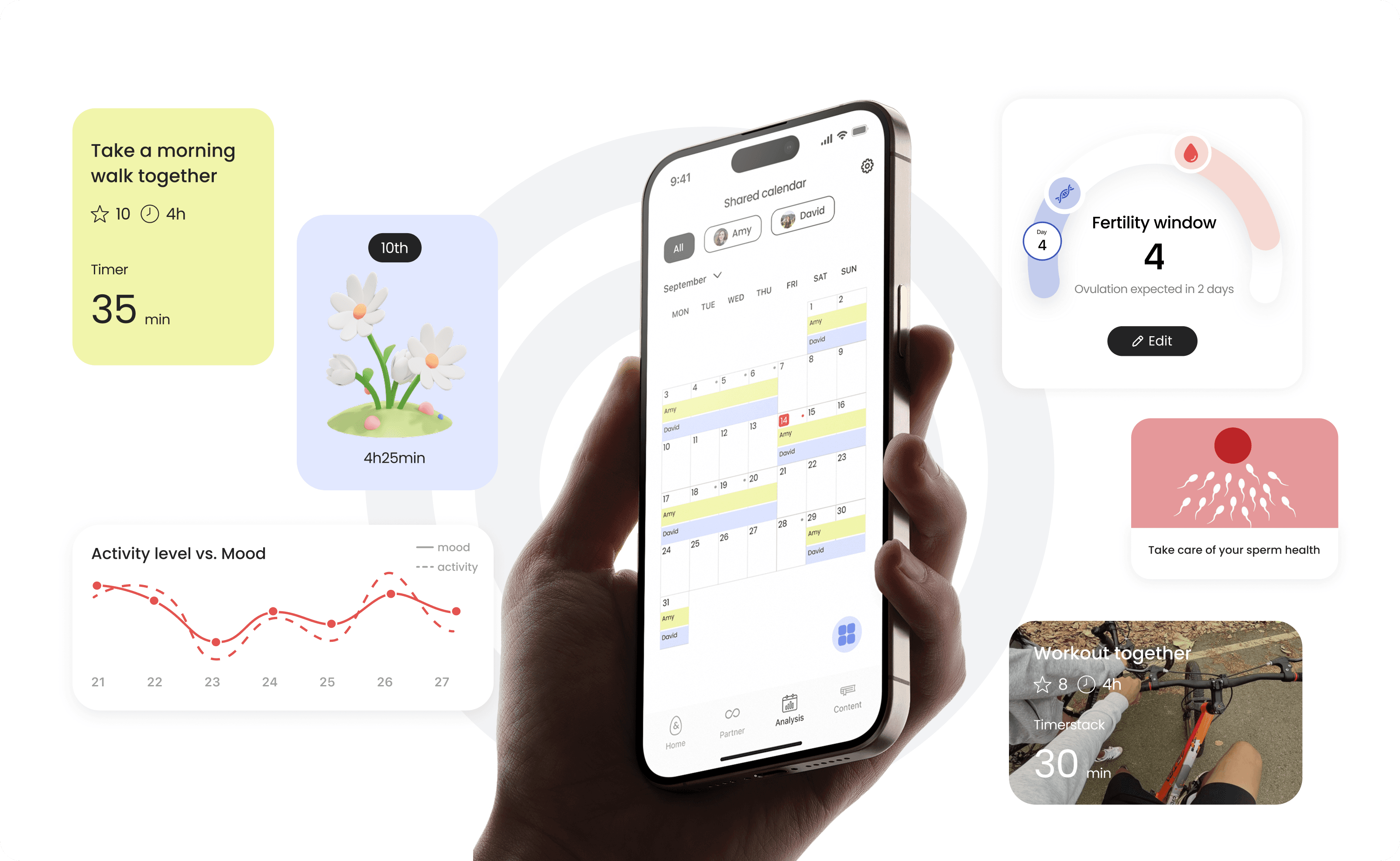
Fertility & Family
Rethinking Women-Centered Fertility App
Fertility & Family
Rethinking Women-Centered Fertility App
Fertility & Family
Rethinking Women-Centered Fertility App
Product Design
Product Design
Product Design

VR Subway for Autistic Children
VR Subway for Autistic Children
VR Subway for Autistic Children
End-to-End VR Experience Design
End-to-End VR Experience Design
End-to-End VR Experience Design